
Resources
Guides and videos
How to get the most out of HubThread, and out of working remotely together.
-
Video guide ·
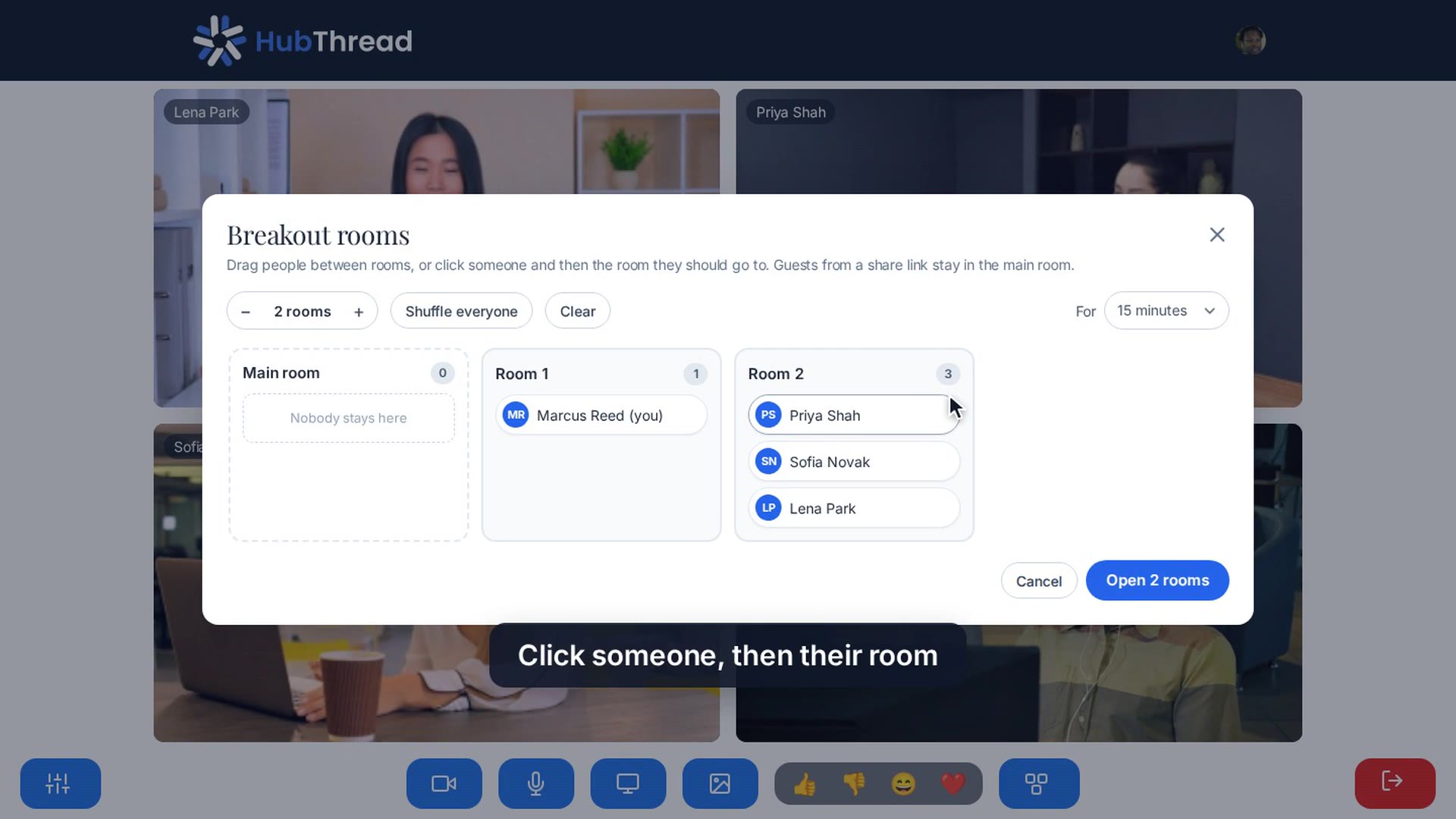
Split a call into breakout rooms
Click Breakout rooms in any call. Everyone’s shuffled into groups for you; move people with a click, set a timer, and open the rooms. When you’re done, everyone comes back together.
-
Video guide ·
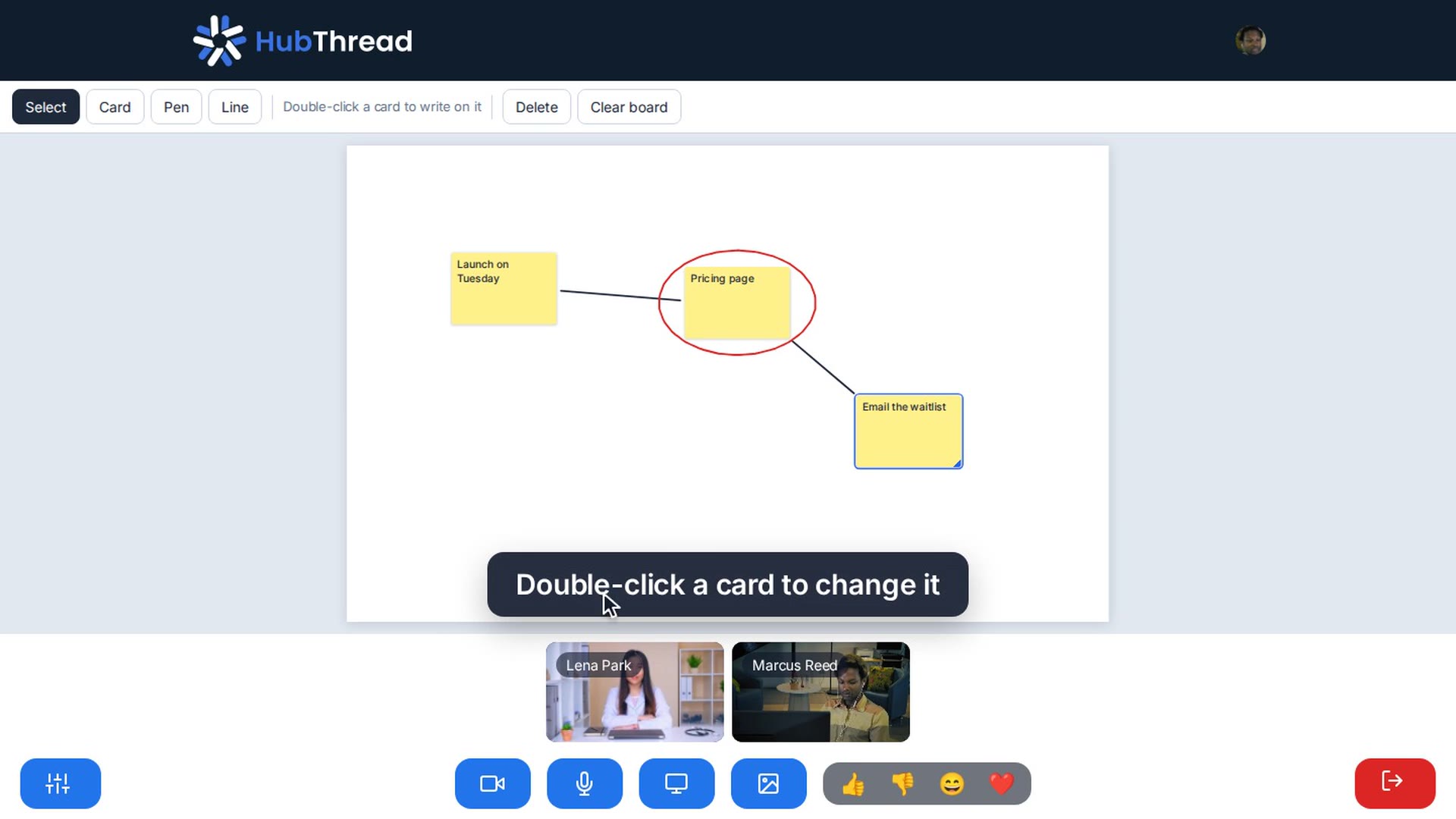
Plan together on a shared whiteboard
A whiteboard room is a call with a shared board. Add cards, draw, and connect ideas while you see and hear each other, and everyone sees every change as it happens.
-
Video guide ·
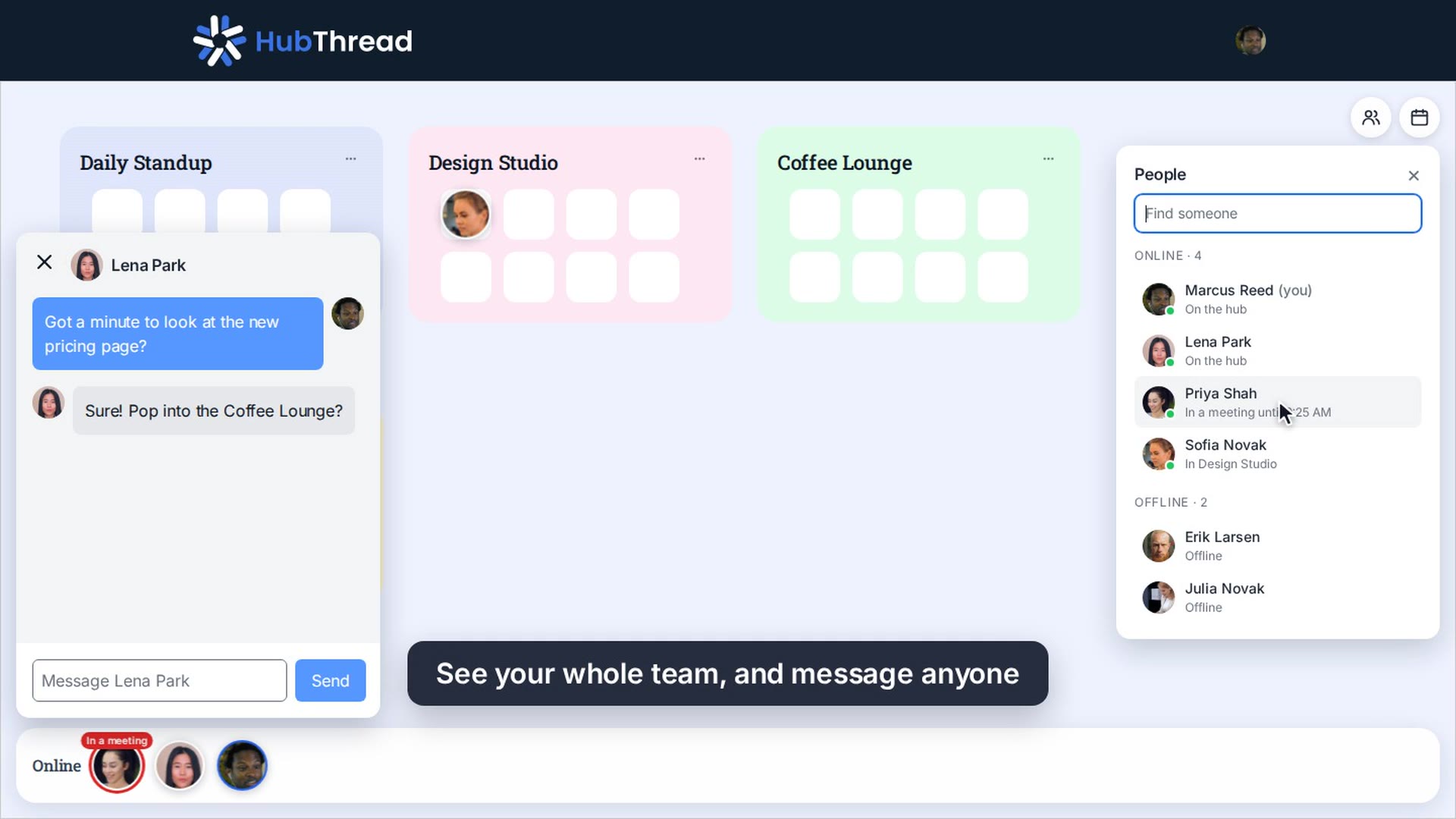
Message a teammate, right from the hub
Right-click anyone’s face to message them, or open People to see your whole team. Conversations are just between the two of you, and they’re saved for next time.
-
Video guide ·
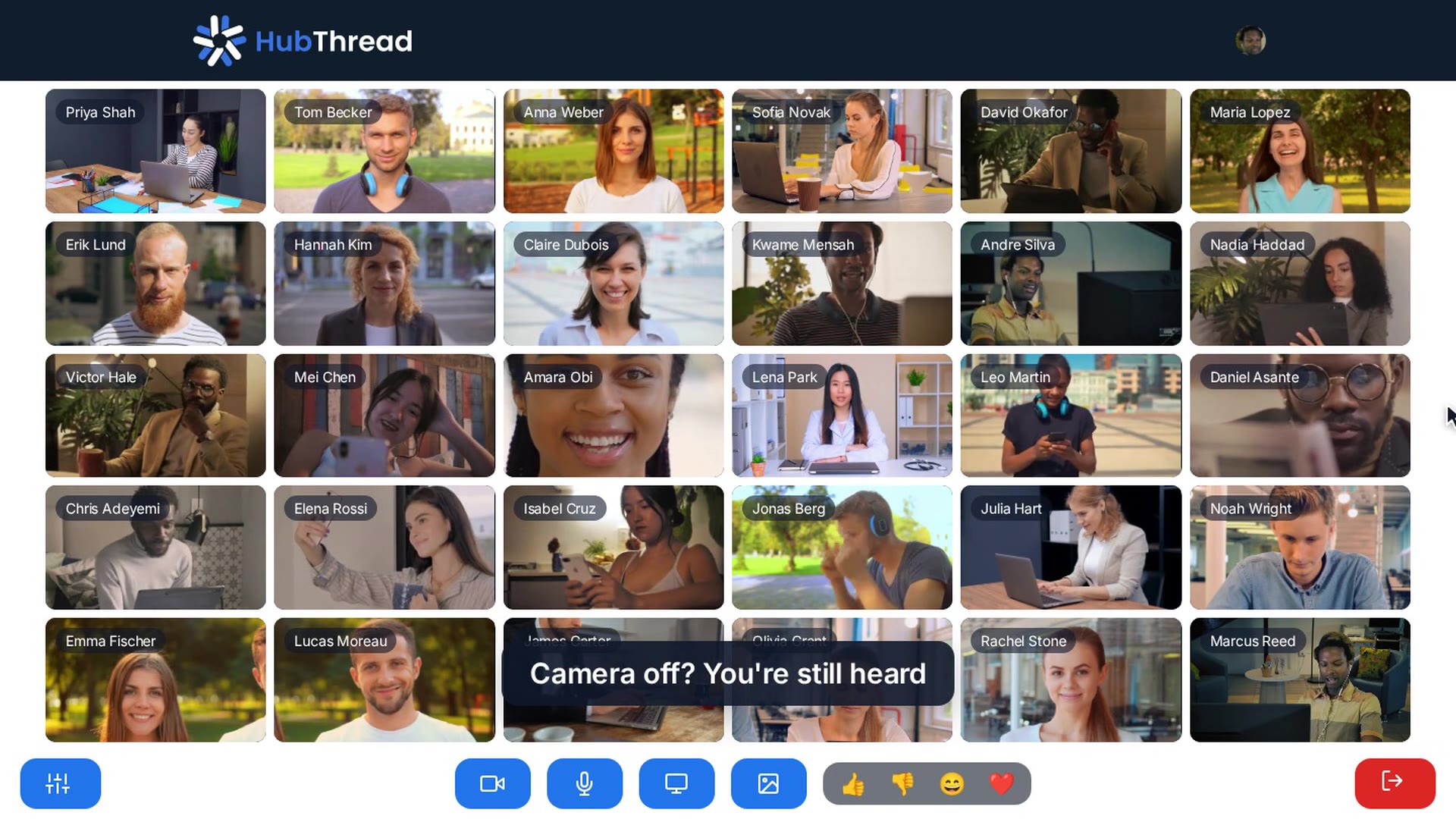
How many people can join a call?
A real call at each plan’s limit: 15 people on Pro, 30 on Business, everyone on one screen. Here’s what that looks like, and what happens when a call is full.
-
Video guide ·
Google Calendar, in your virtual office
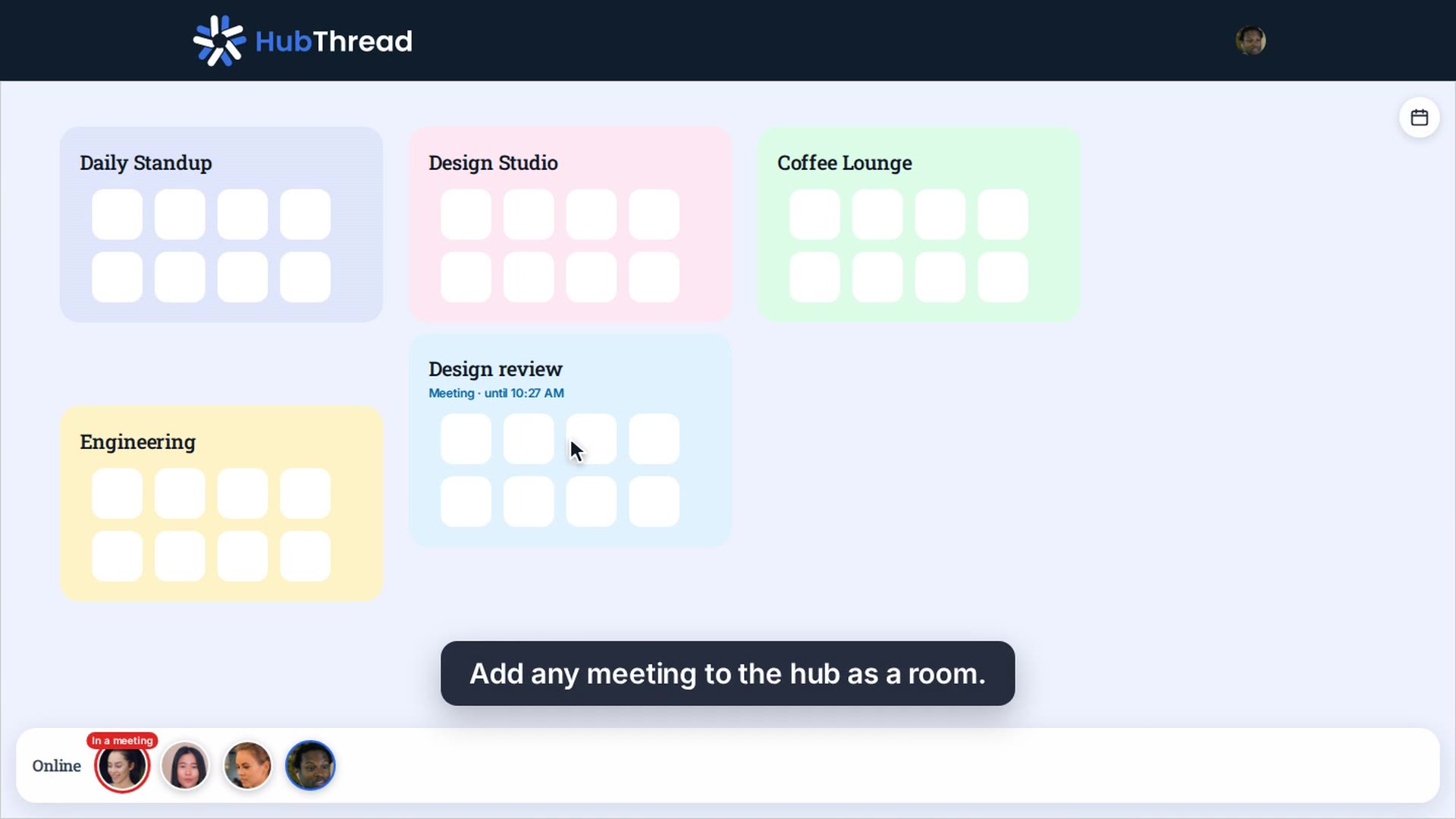
See your day on the hub, let teammates know when you’re busy (without sharing what it’s about), and turn any meeting into a room everyone can walk into.
New to HubThread? Watch the one-minute demo or read our guide to virtual office software.